Common Pitfalls in Using TradingView
TradingView is an incredibly powerful tool that can significantly enhance your trading analysis and market monitoring. However, like any sophisticated platform, it has its intricacies that can trip up even seasoned traders. Understanding the common pitfalls when utilizing TradingView can help you optimize your experience and leverage the platform to its fullest potential. Here are some of the frequent missteps to watch out for:
Overlooking Key Features of TradingView
Many users jump into TradingView without fully understanding the breadth of its features. For instance, the platform offers advanced charting tools, a plethora of technical indicators, and the capability to create custom scripts via Pine Script. Failure to explore these tools often leads to missed opportunities. By diving deeper into the settings and preferences, users can significantly enhance their charting experience.
Neglecting Community Insights and Collaboration
TradingView is not just a charting tool; it is also a vibrant community of traders and investors. Many users overlook the value of engaging with others, sharing ideas, and learning from community insights. By participating in forums and discussions, you can gain perspectives that may not be immediately apparent from your own analysis. Never underestimate the power of collaboration in improving your trading strategies.
Failing to Customize Your Trading Experience
Customizing your TradingView setup is essential for a streamlined trading experience. This may include creating personalized layouts, adjusting color schemes, and setting up watchlists that align with your trading strategy. Users who stick to the default settings often find it harder to quickly access the information they need. A tailored environment can make your analysis more efficient and effective.
Understanding TradingView's Charting Tools
To truly harness the power of tradingview, it's crucial to understand its comprehensive charting tools. These capabilities not only aid in visualizing market data but also serve as a foundation for implementing various trading strategies. Let's break down the essential components of TradingView's charting system:
Basics of TradingView: Getting Started
When starting with TradingView, users are greeted with a user-friendly interface designed for both novices and experienced traders. Getting familiar with the basic chart types—like line charts, candlestick charts, and bar charts—is essential. Additionally, understanding how to navigate the various features, such as adding indicators or drawing tools, is key to effective charting.
Interpreting Technical Indicators Effectively
TradingView offers a vast library of technical indicators, including moving averages, RSI, and MACD, which can provide valuable insights into market trends. However, misinterpretation of these indicators is a common mistake. It's vital to not only understand how these indicators work but also to consider their context within overall market conditions before making any trading decisions.
Common Misinterpretations in Chart Analysis
Many traders misinterpret chart signals, leading to poor trading decisions. For example, relying solely on one indicator without confirming with other analyses can yield inaccurate predictions. Recognizing the interplay between multiple indicators and market events is crucial for a more holistic view. Educating yourself on these misinterpretations can save you from costly errors.
Best Practices for Trading with TradingView
Implementing best practices while using TradingView can streamline your trading process and heighten your chances of success. Here are essential strategies that can enhance your experience:
Setting Up Custom Alerts for Trading Success
Custom alerts can serve as an invaluable tool for traders. By configuring alerts for specific price changes or indicator movements, traders can stay informed without continuously monitoring charts. This feature allows you to react promptly to market movements, ensuring you never miss potential trading opportunities.
Utilizing Multiple Timeframes for Analysis
Using multiple timeframes for analysis can provide a layered understanding of market dynamics. For instance, a trader might use a daily chart to assess the overall trend while simultaneously looking at hourly or minute charts for entry and exit points. This multi-faceted approach enables better timing and decision-making, which is crucial in fast-paced trading environments.
Engaging with the TradingView Community for Better Strategies
As previously mentioned, the TradingView community is a treasure trove of ideas and insights. Engaging with other traders can expose you to different strategies and methodologies that you may not have considered. Regularly reading and participating in discussions can provide fresh perspectives that enhance your trading decisions.
Avoiding Data Overload on TradingView
In an information-rich environment like TradingView, it's easy to get overwhelmed by the sheer volume of data available. Here are strategies to help you avoid data overload:
Strategies to Filter Out Noise in Market Data
Filtering out unnecessary data is crucial for maintaining focus on your trading strategy. Customize your watchlists to only include stocks or assets that you actively trade, and use alerts strategically to minimize distractions from irrelevant information. This targeted approach allows you to concentrate on the data that truly matters.
Identifying Essential Information for Decision-Making
Amidst the noise, finding essential information can be challenging. Focus on key indicators that resonate with your trading style, and avoid crowdsourcing opinions from too many sources. Developing a clear decision-making framework based on your trading strategy will enable quicker, more informed choices.
Using Visual Aids to Enhance Your Trading Strategy
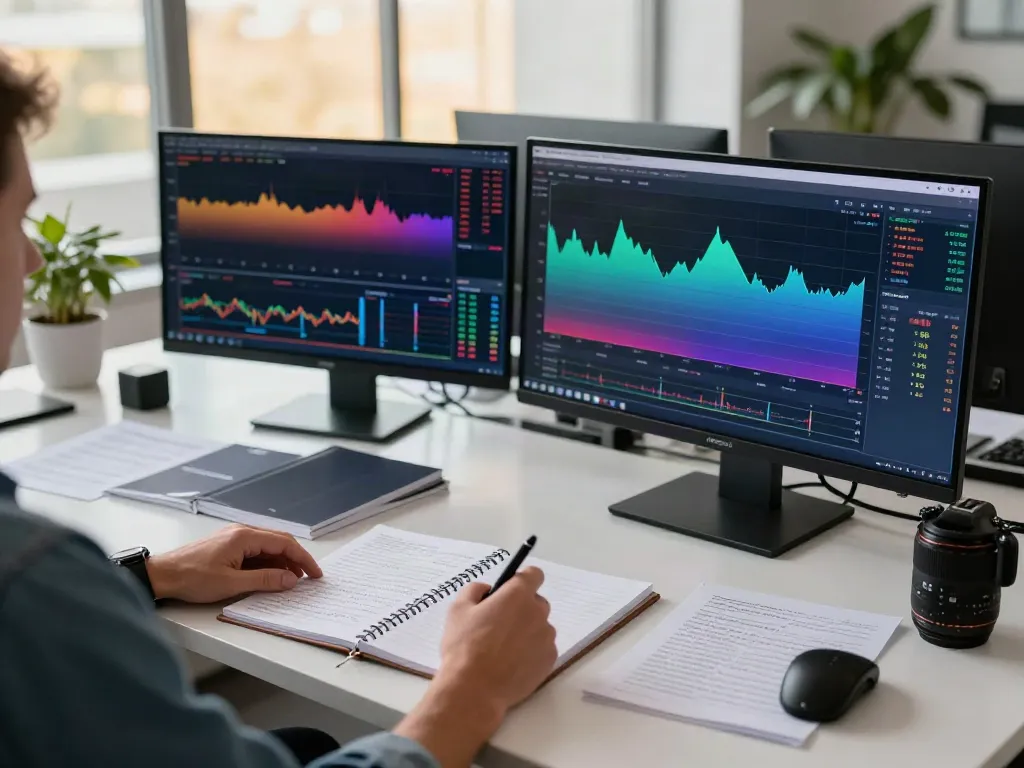
Utilizing visual aids such as charts, annotations, and color coding can significantly improve your analysis. Clear visuals facilitate easier interpretation of market trends, making it simpler to communicate your findings with other traders. The visual components within TradingView can make complex data more digestible.
Future Trends in Charting and Trading Technologies
As we move toward 2026, advancements in technology are likely to shape the future of trading platforms, including TradingView. Here are some expected trends:
Emerging Innovations in Trading Platforms for 2026
With the rapid evolution of technology, platforms like TradingView are expected to integrate more advanced features, such as enhanced AI-driven analytics and automatic trade execution based on predefined strategies. These innovations can streamline the trading process, allowing users to make quicker and more informed decisions.
How AI is Shaping TradingView's Capabilities
Artificial intelligence is increasingly being leveraged to analyze vast amounts of market data and predict trends. By incorporating AI into TradingView's analytical tools, traders could benefit from improved predictive analytics that offer insights based on historical patterns, enhancing decision-making processes.
Preparing for Future Developments in Market Analysis
As trading technology evolves, staying ahead of the curve will be essential. Keep an eye on industry reports and updates from TradingView to understand emerging tools and features. Adapting to these advancements will not only improve your trading efficacy but also ensure you remain competitive in the ever-changing market landscape.
What are the benefits of using TradingView?
TradingView offers numerous benefits, including user-friendly interfaces, real-time data visualization, and an extensive community for sharing insights. The platform's versatility makes it suitable for traders of all levels, from beginners to professionals.
How can I customize my TradingView experience?
Customization options in TradingView include personalized layouts, theme settings, and watchlists tailored to your trading preferences. Utilizing these features can enhance your workflow and improve your trading efficiency.
What common mistakes should I avoid on TradingView?
Common mistakes include overlooking essential features, failing to engage with the community, and not customizing the platform to fit your needs. Being aware of these pitfalls can help you navigate TradingView more effectively.
How does TradingView integrate with other trading platforms?
TradingView provides integration options with several brokerages, enabling users to execute trades directly from the platform. This seamless connection enhances the trading experience by combining analytical tools with trading capabilities.
What new features are expected in TradingView for 2026?
In 2026, TradingView is expected to introduce features such as enhanced machine learning capabilities, improved mobile functionalities, and expanded market coverage to accommodate a growing user base and diverse trading strategies.